Description
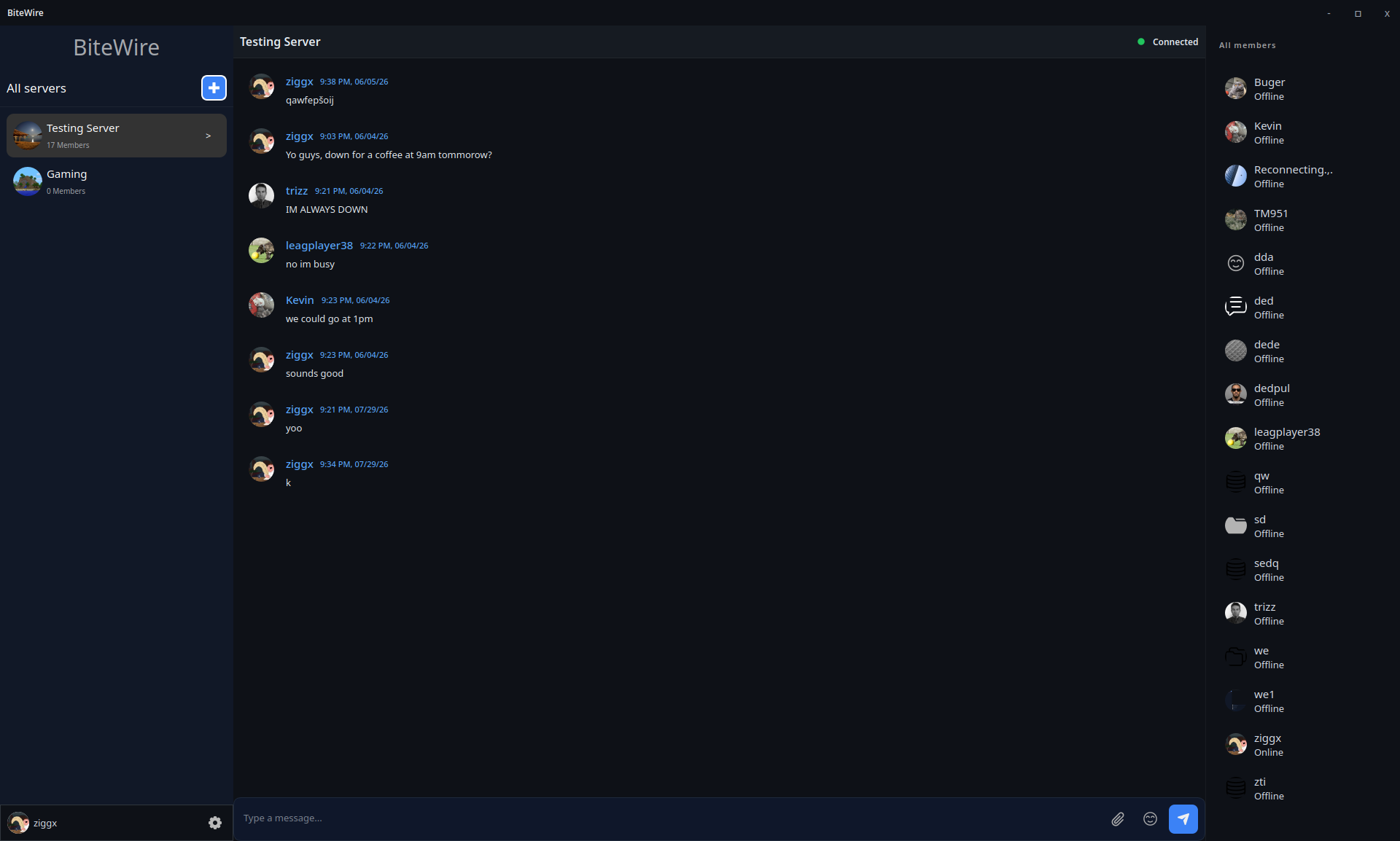
BiteWire is a simple, secure chat application that allows users to connect to hosted servers, communicate in real-time, and manage their own server through a dedicated server application.
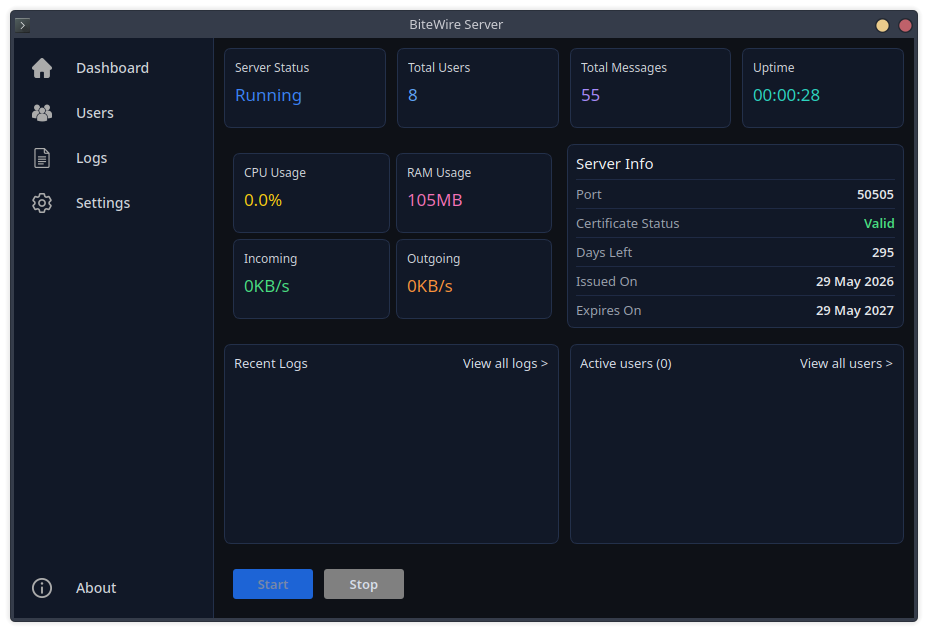
⚙️ Server Setup
1. Generate TLS certificate
To host a BiteWire server, a TLS certificate is required for encrypted connections.
Example of a self-signed certificate:
Windows
Download and install Git.
Then open **Git Bash** and run:
openssl req -x509 -newkey rsa:4096 -keyout server.key -out server.crt -sha256 -days 365 -nodes
Linux
Most Linux distributions already have openssl installed.
Open terminal and generate self-signed certificate:
openssl req -x509 -newkey rsa:4096 -keyout server.key -out server.crt -sha256 -days 365 -nodes
During setup you may be asked questions which can be skipped by pressing enter.
After certificate generation two files will be created: server.key and server.crt
After that, open the server app, click the folder button and drag generated files into opened folder.
2. Port forward
Make sure port 50505 is open on your router.
- for local (LAN) usage, this step is not required
- for external connections, port forwarding is necessary
⚠️ Disclaimer
This project is still in an early stage of development.
Bugs and missing features may be present.
If you run into any bugs or issues, feel free to message me anytime!
App and webpage are under 3.0 GPL license. More on gnu.org
 Windows
 Linux
Linux